

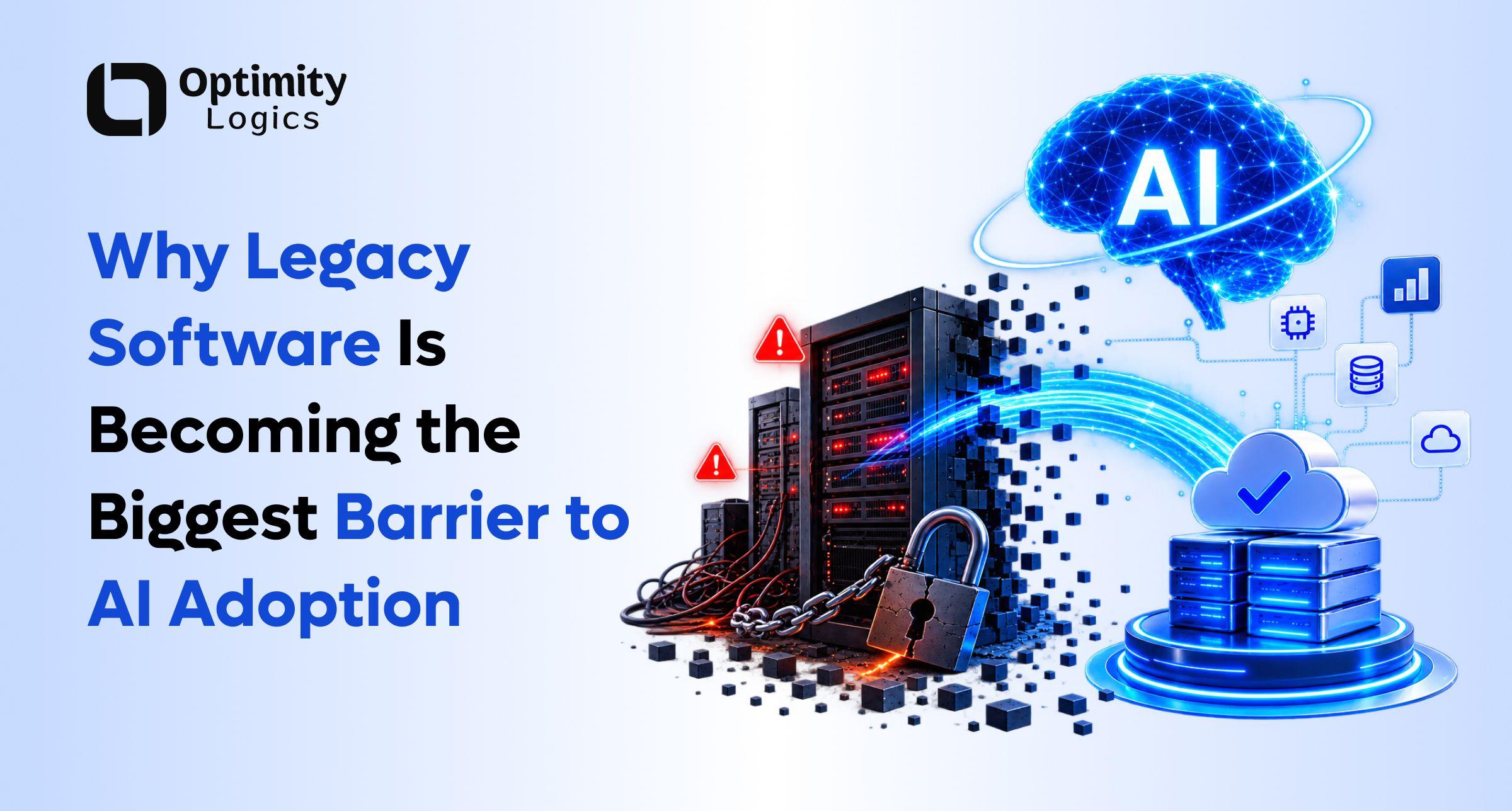
Every business wants to "add AI" right now — a chatbot here, an automation there, maybe an AI agent that handles support tickets. However, legacy software modernization is quietly deciding whether any of that actually works.
Here's the uncomfortable truth: you can buy the best AI tool on the market and still get nothing out of it. Why? Because the software underneath your business can't talk to it. AI needs data, APIs, and workflows it can actually reach. Unfortunately, old, disconnected systems don't give it that.
This is why legacy software modernization has become a business priority, not just an IT cleanup project. In this guide, we'll break down what it actually means, why it's holding back AI adoption specifically, and a practical roadmap you can follow. Best of all, you won't need to rip out and rebuild everything you already have.
What Is Legacy Software Modernization?
Legacy software modernization is the process of upgrading existing applications, databases, infrastructure, and workflows. As a result, they can support modern business needs — including AI, automation, and integrations.
Contrary to popular belief, legacy doesn't mean "old." Indeed, a system built two years ago can already be "legacy" if it's expensive to maintain, hard to integrate, or slows down every new feature you try to ship.
For example: your app works fine day-to-day, but adding a new payment provider takes six weeks of dev work. Similarly, your support team wants an AI assistant, but it would need access to four different databases that were never built to talk to each other. So, the software still "works" — it's just quietly capping how far your business can grow.
Ultimately, that's the real definition of a legacy system: not its age, but the limitations it creates.
Why Businesses Keep Running on Legacy Systems
Nobody keeps outdated software on purpose. Instead, businesses stick with it for a few clear reasons:
- Years of business logic live inside it — customer rules, pricing edge cases, and workflows nobody wrote down anywhere else
- Replacing core systems is expensive — development, migration, testing, and retraining staff all add up
- It still technically works, so there's no obvious emergency forcing a change
Nevertheless, "it still works" hides a second, slower cost. Specifically, rising maintenance bills, slower development cycles, harder integrations, and growing dependence on the one or two developers who understand the old codebase. Therefore, the real question isn't "what does modernization cost?" Rather, it's "what does not modernizing cost us every year we wait?"
Why Legacy Software Is the Real Barrier to AI Adoption
AI needs three things to be useful: data, access, and context.
For instance, take a simple example — a customer asks an AI support agent: "Where's my order, and can I return it?"
To answer that properly, the AI needs to check the customer profile, order history, payment status, shipping status, inventory, and the return policy. Often, this means checking across five different systems. Consequently, if those systems don't connect, the AI understands the question perfectly and still can't help.
This is the core insight businesses miss: AI intelligence is only half the equation. Meanwhile, the software architecture around it decides whether that intelligence turns into a real business outcome. Thus, any serious AI roadmap should start with an honest look at the existing tech stack, rather than another tool purchase.
How Legacy Systems Create Data Silos (And Why AI Hates Them)
Fragmented data is the single biggest AI blocker in most companies. Typically, customer data lives in one system, sales in another, support conversations in a third, and finances somewhere else entirely. Although each system works fine on its own, the problem is nobody can see the full picture.
For example: a sales AI knows a customer bought a product six months ago. On the other hand, it has no idea that same customer contacted support last week about a defect. As a result, its recommendation is technically correct and practically tone-deaf.
Consequently, fixing this — data modernization — is one of the highest-ROI parts of any legacy software modernization project.
Data Quality Matters More Than Data Quantity
More data doesn't automatically mean better AI. If your records are full of duplicates, outdated product info, or conflicting values across systems, AI outputs will inherit that mess. Therefore, before connecting anything AI-driven, audit for data quality first. This includes cleaning, governance, clear ownership, and better pipelines. Above all, reliable data beats abundant data every time.
The API Problem in Legacy Systems
Modern software runs on APIs — controlled ways for systems to talk to each other. Specifically, AI agents need this to check an order, open a support ticket, update a record, or trigger a workflow.
Unfortunately, many legacy systems were never built with this in mind. Instead, they rely on manual exports, file transfers, direct database access, or scheduled batch jobs. None of these work for an AI agent operating in real time.
So, the fix usually isn't a full rebuild. Rather, it's adding an integration/API layer on top of the existing system. Consequently, this creates a bridge between what you already have and what modern AI tools expect.
Legacy Architecture vs. Modern Architecture
Modernization isn't just swapping an old programming language for a new one. Instead, architecture matters just as much.
Legacy architecture is typically tightly coupled — changes touch multiple parts of the app, integration is difficult, and the whole app scales together. By contrast, modern architecture is modular and service-based, so changes stay isolated to one capability, integration is API-first, and individual components scale independently.
Overall, modern architecture gives you faster development, easier integrations, better scalability, and real automation. Ultimately, this directly determines how well AI tools can plug into your business.
How Technical Debt Quietly Becomes a Business Problem
Technical debt starts small — usually a quick workaround to hit a deadline. Then, another feature gets built on top of it. Eventually, repeat this for a few years, and the system becomes a maze.
At that point, it stops being a "dev team" problem. Instead, developers spend more time maintaining old code than shipping new features, integrations get pricier, and AI teams can't connect anything to the core system. In fact, industry research on tech debt has found that CIOs estimate 10–20% of their new-product budget gets redirected just to managing technical debt. Clearly, this should be treated as a real line item in the cost of running legacy software, not just an engineering inconvenience.
Cloud Migration Is Not the Same as Modernization
This is a common and expensive misunderstanding. Specifically, cloud migration means moving an application to cloud infrastructure. Software modernization, however, is broader — it covers architecture, APIs, databases, workflows, and security.
For example, you can move an outdated application to the cloud, and it will still have outdated dependencies, limited APIs, and manual workflows. In other words, you've just relocated the same problems to a more expensive address. Similarly, well-known cloud migration frameworks make this distinction clear. Notably, rehosting an app is not the same as re-architecting it. So, cloud migration should be treated as one part of a modernization strategy, not the whole strategy.
5 Signs Your Business Needs Legacy Software Modernization
- New features take forever. Simple requests turn into multi-week projects because of the underlying architecture.
- Integrations are becoming expensive. Connecting a CRM, payment gateway, or AI tool requires major surgery on the core app.
- Employees rely on manual workarounds. Spreadsheets, duplicate data entry, and manual exports fill the gaps your systems should cover.
- AI pilots never reach production. The demo works, but real customer data and live workflows break it.
- Maintenance costs keep climbing while new development slows down.
Altogether, if two or more of these sound familiar, modernization isn't optional anymore. Indeed, it's overdue.
How Legacy Software Quietly Hurts Customer Experience
Customers never see your tech stack. Instead, they only feel the results. For instance, fragmented data means support agents dig through multiple systems before answering a simple question. Likewise, unsynced order data means customers see outdated info. Meanwhile, an AI assistant with no real system access gives generic, unhelpful answers instead of actually solving anything.
Therefore, modernization fixes this at the root by connecting customer data, workflows, and support systems. In short, that's what actually makes support faster and more consistent, not the AI tool layered on top.
What AI Agents Need That Chatbots Never Did
Traditional chatbots mostly just answer questions. In contrast, AI agents take action: pulling account data, checking eligibility, and kicking off approved workflows on their own.
Naturally, that level of access requires real infrastructure. Specifically, this means authentication, authorization, logging, monitoring, and clearly defined permission boundaries. Additionally, businesses need to explicitly decide which actions an AI agent can take independently versus which require human sign-off. This is exactly why AI adoption is pushing modernization higher up the priority list — after all, agents can't operate safely on undocumented, loosely secured systems.
5 Legacy Software Modernization Strategies
There's no single right approach. Instead, the right strategy depends on the system's business value, technical condition, and future needs.
- Refactor — Improve the internal code structure while keeping functionality the same. Best for systems with strong business value that have just become messy.
- Replatform — Move the application to better infrastructure with minimal code changes. Consequently, good for quick operational wins.
- Rearchitect — Redesign the system into modular, API-connected components. Especially useful when scalability and integration are the real bottlenecks.
- Replace — When a system is too expensive to maintain or secure, building new may deliver better long-term value than patching it.
- Retire — Some systems simply aren't worth keeping. Shutting them down immediately cuts maintenance, infrastructure, and security overhead.
You Don't Have to Rebuild Everything
Full rewrites are risky. Why? Because a lot of undocumented business logic lives only inside old code, and a ground-up rebuild can lose it. Instead, incremental modernization is almost always safer: build an API layer around the legacy app first, then modernize the data flow, and finally replace individual modules over time. Throughout this process, the business keeps running — nothing grinds to a halt for a "big bang" launch.
A 7-Step Legacy Software Modernization Roadmap
- Audit existing systems — First, map every application, database, API, integration, and dependency you currently have.
- Identify business bottlenecks — Next, find what's actually hurting revenue, customer experience, dev speed, or AI adoption.
- Identify AI opportunities — Consider support automation, document processing, internal knowledge assistants, predictive analytics, and sales support.
- Find the technology gaps — Then, compare what those AI use cases need against what your current stack can actually deliver.
- Prioritize by impact — Importantly, don't modernize everything at once; instead, rank by business impact, cost, and risk.
- Modernize incrementally — Subsequently, ship improvements in stages so you can course-correct as you learn.
- Measure business outcomes — Finally, track dev speed, integration time, maintenance cost, automation rate, and AI workflow completion — not just "systems migrated."
Cost and ROI of Legacy Software Modernization
Cost scales with complexity. For instance, a small app with a few integrations is a very different project than an enterprise platform carrying years of business logic. However, cost alone is the wrong lens. Instead, the better question is ROI: lower maintenance costs, faster development, easier integrations, and faster AI adoption on one side — versus the compounding cost of standing still on the other. Ultimately, for most businesses stuck on old systems, the cost of doing nothing eventually outpaces the cost of modernizing.
Common Legacy Modernization Mistakes to Avoid
- Rebuilding everything at once — this is high risk and slow to deliver value
- Ignoring business processes — critical rules often only exist in the old code, not in any doc
- Treating cloud migration as modernization — you might just be relocating the same problems
- Skipping data quality work — garbage in, garbage out applies directly to AI
- Measuring migrations instead of business outcomes — for instance, "we moved 40 apps" isn't a result; faster shipping and lower costs are
What Does an AI-Ready Software Foundation Look Like?
- Reliable data the AI can actually trust
- Modern APIs for controlled, real-time access
- Scalable infrastructure that handles growth without breaking
- Automated workflows AI can plug into, not just talk about
- Security and governance that limit AI to exactly what it's authorized to do
- Monitoring and auditability so you always know what systems and agents are doing
Final Thoughts
AI is raising the bar on what businesses expect from their software. Specifically, modern companies need systems that connect data, expose APIs, automate workflows, and adapt as requirements change. Unfortunately, legacy software makes all of that harder.
That said, modernization doesn't mean throwing away what you've built. Rather, it means keeping what's valuable and systematically removing what's holding you back.
So, before buying another AI tool, ask one question: is your existing software actually ready to support it?
If not, the next step isn't more AI. Instead, it's modernizing the foundation that lets AI create real value in the first place.